DRAM-less vs DRAM SSDs: The Real-World Difference
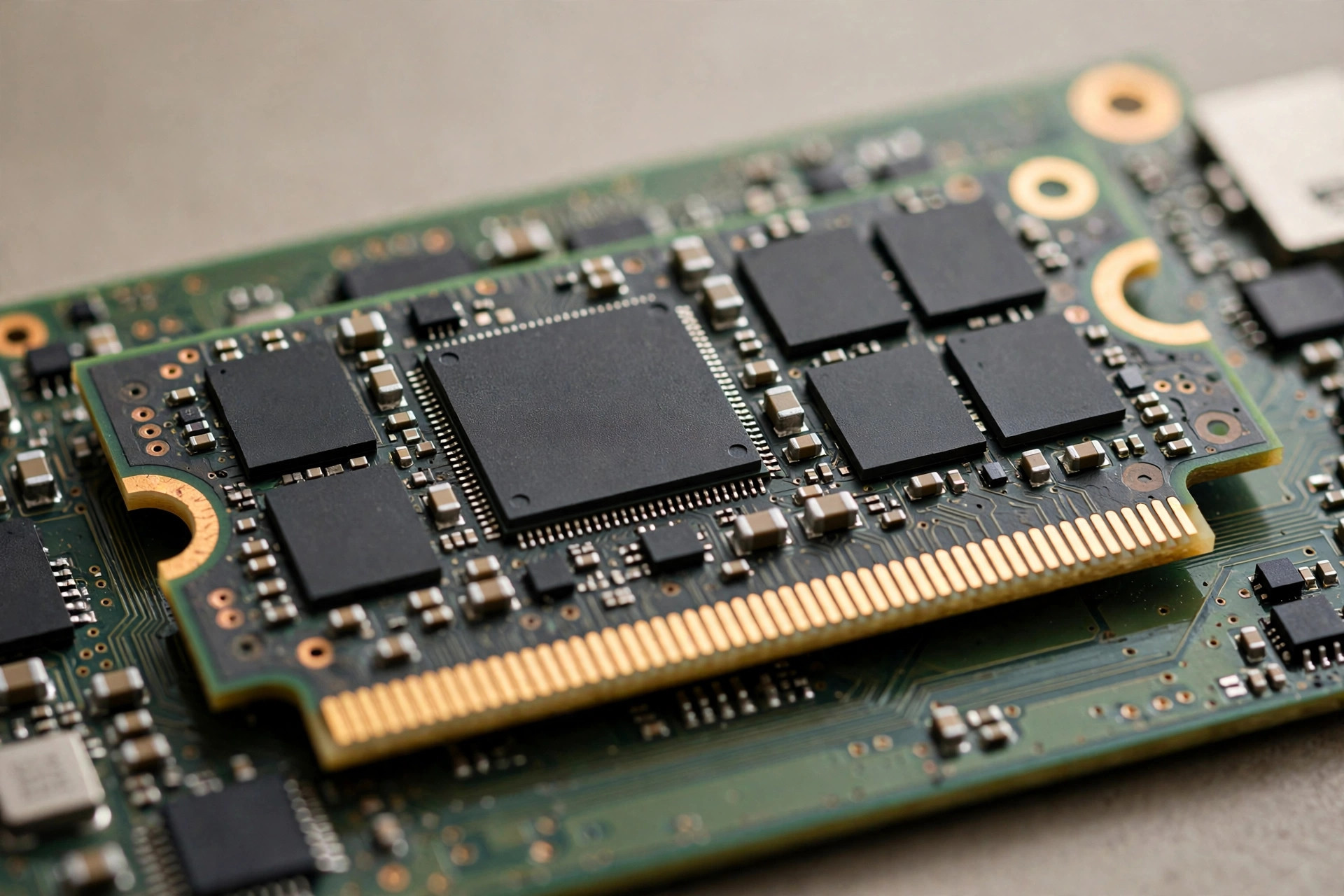
One of the most confusing lines on an SSD spec sheet is also one of the shortest: whether the drive has onboard DRAM cache. Premium NVMe drives ship with a dedicated DRAM chip; budget models skip it and borrow a slice of your system memory instead. Marketing departments on both sides have strong opinions, but the practical question is simpler: does a DRAM-less SSD actually feel slower? Sometimes yes, sometimes no — and knowing which is which can save you real money. Here's how the technology works and where the difference shows up in daily use.
This question comes up constantly because the price gap is real: at 2TB, DRAM-less Gen4 drives typically run 20–35% cheaper than DRAM-equipped counterparts. That's the difference between 2TB and a larger capacity, or a better GPU tier. But the discount only makes sense if you know what you're giving up — a drive that's flawless as a game library can be a frustrating bottleneck as a video-editing scratch disk.
What the DRAM cache actually does
An SSD's controller needs a map of where every piece of data lives on the NAND flash — the flash translation layer (FTL). On a drive with onboard DRAM, that map lives in fast dedicated memory, so lookups are nearly instant. Without DRAM, the controller must fetch mapping data from the NAND itself, which is orders of magnitude slower per access.
That sounds catastrophic, but modern drives have two clever workarounds. First, Host Memory Buffer (HMB): the NVMe protocol lets a DRAM-less drive borrow a small chunk of your PC's system RAM (typically 32–64MB) over the PCIe bus to stash the hottest mapping entries. Second, large SLC caches: incoming writes land in a fast pseudo-SLC buffer first, masking the slower NAND behind it during bursty workloads.
The result: for light, bursty consumer workloads — booting Windows, launching apps, loading games — a good DRAM-less drive feels nearly identical to a DRAM-equipped one. The gap opens under sustained, heavy, random workloads: exactly the conditions most buyers rarely create.
Inside the controller: DRAM, DRAM-less, and HMB designs
To understand why the gap is narrow in some workloads and wide in others, it helps to see what the controller is doing. Every SSD controller maintains the FTL — a table mapping logical block addresses to physical NAND pages. On a 2TB drive that table is roughly 2GB: far too large for the controller's tiny on-chip SRAM, so it lives in external memory. DRAM-equipped drives keep it in a dedicated DDR chip with nanosecond access; DRAM-less drives keep only a sliver on-chip and fetch the rest from NAND — microseconds per lookup — unless HMB intervenes.
HMB changes the math by giving the controller a fast scratchpad in system RAM. At initialization the drive requests a memory region from the host, then caches the hottest FTL entries there. Game loading and app launching touch a small working set of mapping data repeatedly, so the HMB hit rate in consumer workloads is high — which is why the real-world difference is so small. The overhead isn't zero: every HMB access traverses the PCIe bus, adding latency versus on-package DRAM. But on a modern PCIe 4.0 platform with 16GB+ of RAM, that cost is negligible.
Controller architecture matters too. The best DRAM-less controllers of 2026 were designed from the ground up for life without onboard DRAM — larger on-chip SRAM, smarter prefetching, firmware tuned to minimize NAND round-trips. Early DRAM-less drives were often premium controllers with the DRAM depopulated, which is why they performed so poorly: the architecture assumed memory that wasn't there.
DRAM vs DRAM-less: head-to-head
| Workload | SSD with DRAM | DRAM-less (HMB) | Noticeable? |
|---|---|---|---|
| Windows boot / app launch | Excellent | Excellent | No |
| Game loading (sequential reads) | Excellent | Excellent | No |
| Large file copies (cache exhausted) | Strong sustained writes | Write speed can collapse | Yes, on 50GB+ transfers |
| Heavy random writes (VMs, databases) | Consistent | Latency spikes, lower IOPS | Yes |
| Drive nearly full (>85%) | Degrades gracefully | Degrades faster | Yes |
| Price (2TB, 2026) | Premium tier | 20–35% cheaper | — |
The table tells the story at a glance, but the middle rows deserve emphasis: the workloads where DRAM matters are all variations on one theme — sustained, random, write-heavy access with nowhere to hide. Everything else is a rounding error.
How HMB got good enough
Early DRAM-less drives were noticeably worse than their specs suggested, because first-generation HMB implementations were crude: small buffers, high overhead, and controllers that hadn't been tuned for life without onboard DRAM. That reputation stuck around longer than the technology deserved. Modern HMB (version 2 and later in the NVMe spec) supports larger host memory allocations with lower protocol overhead, and today's budget controllers were designed from the ground up around the DRAM-less architecture rather than being cut-down versions of premium chips. The practical consequence is that a 2026 DRAM-less drive is a fundamentally different — and far more competent — product than a 2019 one. When reading old forum threads warning against DRAM-less SSDs, check the date: advice from the early HMB era doesn't describe the current market.
Real-world benchmarks: where the seconds actually go
Spec sheets argue in megabytes per second; users experience time. Here's how the DRAM question plays out in workloads you can picture, based on the pattern professional reviews have shown consistently for years:
- Booting Windows and launching apps: effectively tied. Both boot in roughly the same time and launch everyday apps within fractions of a second of each other — HMB's home turf.
- Loading game levels: differences measured in tenths of a second, below human perception. Game loading is overwhelmingly sequential throughput, where both designs are strong.
- Copying a 50GB video file: tied — until the SLC cache fills. Then the DRAM-less drive's write speed can fall from 3,000+ MB/s to a few hundred while the DRAM-equipped drive holds a steadier pace.
- Installing a 100GB game: the DRAM drive finishes noticeably sooner on a second or third consecutive install. The first usually fits in cache on both; sustained churn exposes the difference.
- Compiling code or running VMs: the DRAM drive is consistently 10–30% faster in heavy random-write benchmarks, with fewer latency spikes. This is where the premium genuinely pays.
- Drive at 90% full: both slow down, but the DRAM-less drive slows more — less free NAND means a smaller cache and an earlier, harder cliff.
The pattern is unmistakable: bursty consumer workloads are a tie; sustained, write-heavy, or nearly-full conditions favor DRAM. Match the drive to the workload and the decision makes itself.
SLC caching and the cache-exhaustion cliff
Most "DRAM-less drives are slow" anecdotes are really SLC-cache stories. Nearly every consumer SSD absorbs incoming writes into a pseudo-SLC buffer — a portion of TLC or QLC NAND temporarily run in fast single-bit mode. While your writes fit inside it, the drive benchmarks beautifully. The trouble starts when a long transfer exhausts it.
Two things set how bad the cliff is: cache size and the native NAND speed behind it. Premium TLC drives pair large dynamic caches with fast native TLC, so post-cache writes still run at 1,500+ MB/s. Budget DRAM-less drives — especially QLC — pair smaller caches with slow native NAND, so post-cache writes can crater to 300–500 MB/s. The DRAM doesn't directly set these numbers, but DRAM-equipped controllers manage the cache-to-NAND folding more efficiently, which is part of why they sustain better.
Practical takeaways: keep 15–20% of any SSD free and the cache stays generous; a DRAM-less TLC drive with a healthy cache behaves far better than a DRAM-less QLC one; and if your workload regularly exceeds the cache — video ingest, large dataset copies — that's the clearest signal to buy DRAM.
Where DRAM matters most
Sustained writes and full drives
The Achilles' heel of DRAM-less designs is what happens after the SLC cache fills. Copy a 100GB video project to a budget DRAM-less drive and you'll watch speeds fall off a cliff — from 3,000+ MB/s to a few hundred — while the controller struggles to manage NAND directly. A DRAM-equipped drive with the same NAND sails through the same transfer at a far steadier pace. This is also why DRAM-less drives punish you more as they fill up: with less free NAND to use as SLC cache, the cache shrinks and the cliff arrives sooner.
Content creators feel this weekly: ingesting footage, exporting timelines, and shuffling project archives are sustained-write workloads where a DRAM-equipped drive saves real minutes per session — before you even count the smoother scrubbing that comes with consistent latency.
Random-heavy professional workloads
Video editing timelines, software compilation, virtual machines, and local database work hammer the drive with random reads and writes — precisely the access pattern where instant FTL lookups matter. If your SSD is a working tool rather than a game library, DRAM is worth paying for. Our SSD endurance guide for the AI era digs into how sustained-write workloads affect drive lifespan too, which matters doubly when you're shopping in this segment.
Developers deserve a special mention: build systems generate thousands of small files, hammering random-write performance and FTL efficiency at once. A DRAM-less primary disk means measurably longer compiles on large projects — one of the clearest cases where the premium pays for itself in recovered time.
Older systems and PCIe 3.0 slots
HMB relies on fast, low-latency access to system memory over PCIe. On older platforms or bandwidth-constrained slots, the HMB link is less effective and DRAM-less drives lose more edge. In a modern PCIe 4.0 system the difference is minimal; in a 2017-era PCIe 3.0 machine it's more pronounced. Upgrading an older laptop or desktop? Lean toward DRAM.
Where DRAM barely matters
Gaming is the big one. Game loading is overwhelmingly sequential reads of large asset files — the workload DRAM-less drives handle best. Multiple independent tests over the years have shown load-time differences between DRAM and DRAM-less NVMe drives measured in fractions of a second, well below human perception. If the drive's job is holding a Steam library, paying the DRAM premium buys you essentially nothing.
The same logic applies to general office and student machines: browsers, Office apps, and media playback never stress the FTL enough for DRAM to matter. Spend the money on capacity instead — our 2TB vs 4TB capacity guide can help you decide how much to buy. The same goes for console expansions and media servers: sequential reads all the way down, exactly where DRAM-less designs are strongest.
Laptops deserve a nuance: DRAM-less drives can be the better pick for battery life. No DRAM chip means slightly lower power draw, and many DRAM-less controllers are tuned for mobile. For an ultrabook that browses, streams, and runs Office, DRAM-less plus bigger capacity is the rational combo.
Buying checklist: match the drive to your workload
Run through this list before you pay the premium — or pocket the savings:
- Gaming, browsing, or office work? Go DRAM-less and spend the savings on capacity. You won't feel the difference.
- Video editing, VMs, compilation, databases? Buy DRAM — consistency under sustained random writes is worth it.
- Regularly copy 50GB+ files? Buy DRAM, or at minimum a DRAM-less TLC drive with a large reviewed cache — not QLC.
- Drive will sit above 85% full? Buy DRAM; near-full conditions punish DRAM-less designs disproportionately.
- Older PCIe 3.0 system? Lean DRAM — HMB wants a fast, modern PCIe link to system memory.
- Laptop where battery matters? DRAM-less is fine and slightly more efficient; prioritize capacity.
- Unsure? Default to DRAM-less TLC from a reputable brand. It covers the broad middle of consumer workloads.
Common mistakes to avoid
- Treating "DRAM-less" as "bad." It's a trade-off, not a defect. A modern DRAM-less TLC drive beats an older DRAM-equipped drive in most consumer workloads — judge the drive, not the checkbox.
- Paying the DRAM premium for a pure game library. The most common overspend in SSD shopping. Those dollars buy more as GPU budget or capacity.
- Buying DRAM-less QLC for write-heavy work. The worst combination: no DRAM plus the slowest native NAND. Fine for cold storage; miserable as a working drive.
- Trusting headline sequential speeds. Two drives can share a 7,000 MB/s rating yet behave completely differently after the cache fills. Read sustained-write tests.
- Ignoring the "full drive" effect. Any SSD slows as it fills; DRAM-less drives slow more. If you'll run near capacity, that's an argument for DRAM — or for buying bigger.
- Reading ancient forum advice. "Never buy DRAM-less" was reasonable in 2018. In 2026 it's outdated — check the date on any strong opinion.
How to tell what you're buying
Manufacturers rarely print "DRAM-less" on the box. Clues to look for:
- Spec sheets that list no DRAM capacity, or mention "HMB" / "Host Memory Buffer" — that's a DRAM-less drive.
- Controller names: certain well-known budget controllers are DRAM-less by design; enthusiast reviews and teardown sites document which is which.
- Price: if a 2TB Gen4 drive is dramatically cheaper than the big names, it's almost certainly DRAM-less. That isn't a warning — it's just information for matching the drive to your workload.
- Professional reviews with sustained-write and full-drive testing — the only reliable way to see the cache-exhaustion cliff before you buy.
One more practical note: whatever you buy, migrating is painless. Our drive-cloning guide walks through moving your whole system to a new SSD without reinstalling Windows.
When comparing candidates, also check the NAND type alongside the DRAM question — a DRAM-less TLC drive generally outperforms and outlasts a DRAM-equipped QLC drive in mixed workloads. Shoppers fixate on the DRAM checkbox and overlook the NAND, but the flash sets the ceiling for endurance and native write speed.
Which SSD for which build
| Build / use case | Recommended | Why |
|---|---|---|
| Gaming PC (Steam library) | DRAM-less TLC | Sequential-read workload; pocket the 20–35% savings for GPU or capacity |
| Office / student laptop | DRAM-less TLC | Bursty workloads; slightly better battery life without the DRAM chip |
| Video editing workstation | DRAM-equipped TLC | Sustained writes and scrubbing need consistent latency |
| Developer machine (VMs, builds) | DRAM-equipped TLC | Random-write heavy; compile times measurably shorter |
| PS5 / console expansion | DRAM-less TLC | Game loading is sequential; capacity and heatsink matter more |
| NAS / media server cache | DRAM-equipped | 24/7 random I/O and near-full operation punish DRAM-less designs |
| Budget family PC | DRAM-less TLC | Best price per GB for undemanding workloads |
Who it's for / who should skip it
Buy a DRAM-equipped SSD if: you're a creator, developer, or power user doing sustained writes, heavy multitasking with VMs, or running the drive nearly full. The consistency under load is worth the premium, and the drive will age more gracefully.
Save your money with DRAM-less if: you're building a gaming PC, a family computer, a laptop upgrade, or a console expansion where the workload is bursty reads. Put the 20–35% savings toward more capacity or a better GPU — you'll feel that difference far more.
The tiebreaker most buyers forget is time horizon. DRAM-equipped drives degrade gracefully, staying pleasant for more years as they fill up. If you upgrade every two years, that longevity is worth little — buy DRAM-less and enjoy the discount twice. If you buy once and run the drive for five-plus years, DRAM's slower aging is cheap insurance.
FAQ
Is a DRAM-less SSD bad?
No — "DRAM-less" describes a cost-saving design choice, not a defect. With HMB and large SLC caches, modern DRAM-less drives are excellent for everyday computing and gaming, matching DRAM-equipped rivals in the workloads most people actually run. They're only a poor choice for sustained-write professional workloads.
What is HMB (Host Memory Buffer)?
HMB is an NVMe feature that lets a DRAM-less SSD borrow a small portion of your computer's system RAM (usually 32–64MB) to cache its flash mapping tables. It closes most of the performance gap with DRAM-equipped drives in light workloads, at zero extra hardware cost.
Do DRAM-less SSDs wear out faster?
Not inherently — endurance is determined by the NAND type (TLC vs QLC) and the drive's over-provisioning, not by the presence of DRAM. A DRAM-less TLC drive will typically outlast a DRAM-equipped QLC drive. That said, DRAM-less drives can suffer more write amplification under heavy random workloads.
Can I tell if my current SSD has DRAM?
Check the manufacturer's spec sheet for DRAM cache capacity or HMB mentions, or look up your exact model on a teardown/review site. Software tools generally can't report it directly.
Does DRAM matter for a PS5 or Steam Deck expansion?
Barely. Both are overwhelmingly sequential-read game-loading workloads where DRAM-less drives perform within a whisker of premium models. Capacity and meeting the console's speed requirements matter far more.
Does HMB slow down my PC by using system RAM?
No. The allocation is tiny — typically 32–64MB out of 16GB+ — and its PCIe bandwidth is trivial next to what the GPU and CPU move. You won't see it in benchmarks or feel it in use.
Is DRAM-less or QLC the bigger compromise?
QLC, by a clear margin. The DRAM question affects mapping latency; the NAND type sets native write speed and endurance — the drive's fundamental limits. A DRAM-less TLC drive is a smart budget buy; a DRAM-less QLC drive suits only light use or cold storage. Protect the NAND type first.
Can I mix DRAM and DRAM-less SSDs in one PC?
Absolutely — often the optimal setup. OS and demanding apps on a DRAM-equipped drive, bulk game storage on a cheaper DRAM-less drive. Each plays to its strength, and you stop paying the premium where it buys nothing.
Do DRAM-less drives run hotter or cooler?
Slightly cooler — one fewer chip generating heat, and budget controllers are tuned for efficiency. The difference is small, but it can matter in thin laptops and consoles. Good airflow matters more than the DRAM question for temperatures.
Will future games need DRAM-equipped SSDs?
Unlikely. Technologies like DirectStorage stream compressed assets straight to the GPU — sequential reads, the DRAM-less stronghold. If anything, the trend favors large, cheap, fast-sequential storage. Buy for today's workloads with confidence.